
Cable Management for Desks, TVs & Home Offices
Shop cable management solutions for desks, home offices, televisions and entertainment setups. Choose desktop cable holders, flexible sleeves, spiral cable wrap, cable tidy kits and surface trunking for grouping, routing or concealing compatible wires.
Start with where the cables need to run, then compare the usable capacity, dimensions, material, fixing method, colour and installation requirements. For cable ties, fixing clips, reusable straps, conduit and floor cable covers, use the dedicated departments linked below.




Cable Management and Cable Organisers
Cable management products help arrange the power, charging, data, audio and display cables used around desks, computers, televisions and home entertainment equipment. The On1shelf range includes desktop cable holders, flexible sleeves, spiral cable wrap, cable tidy kits and surface-mounted cable covers.
The right solution depends on what needs organising and where the cables must travel. A small adhesive holder for a charging lead, a flexible sleeve around several computer cables and a wall-mounted cable cover serve different purposes and should not be treated as interchangeable.
Types of Cable Management Product
Desk Cable Holders and Organisers
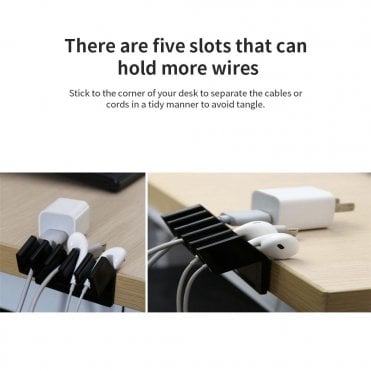
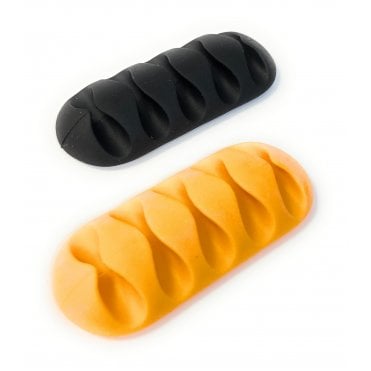
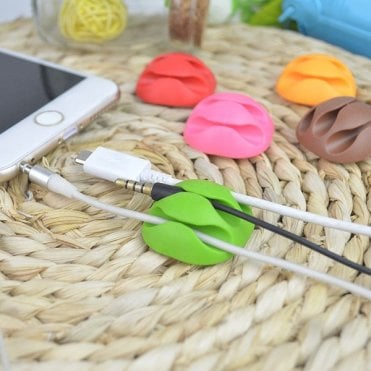
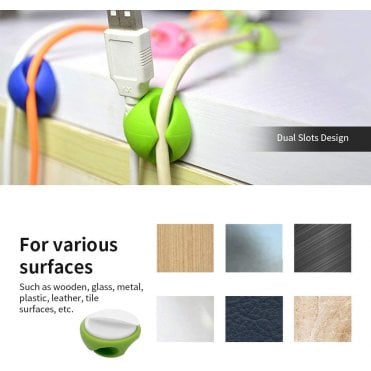
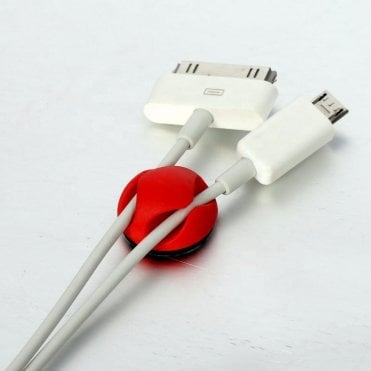
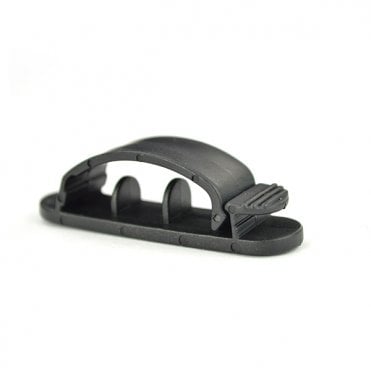
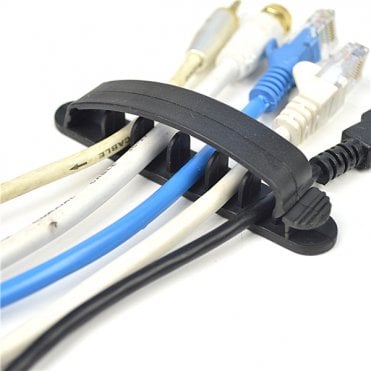
Desk cable holders keep compatible charging, data and accessory cables accessible near a desk or workstation. Single-cable and multi-slot designs are available for different cable quantities and arrangements.
Before using an adhesive holder, check the stated cable diameter, slot dimensions and intended mounting surface. Adhesion depends on the surface material, finish, cleanliness, temperature and preparation. Painted, textured, dusty or low-energy plastic surfaces may require a different fixing method.
Cable Sleeves
Cable management sleeves group several wires into one manageable bundle. Split and wrap-around designs can be useful where cables are already connected because selected products can be fitted without removing every plug.
Check the usable internal capacity rather than relying only on the external sleeve width. The correct capacity depends on the number and diameter of the cables, their connectors and the amount of flexibility required.
Spiral Cable Wrap
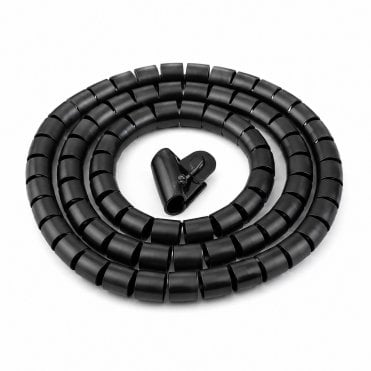
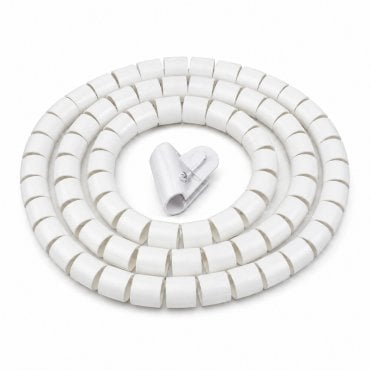
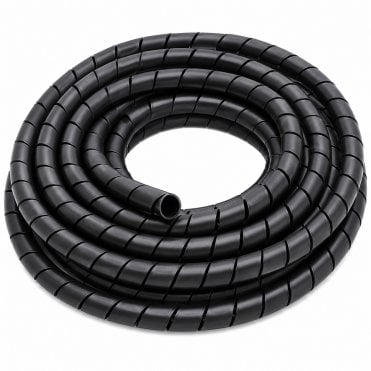
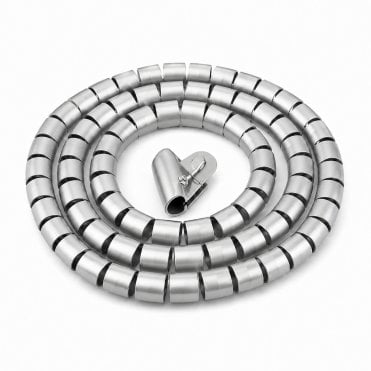
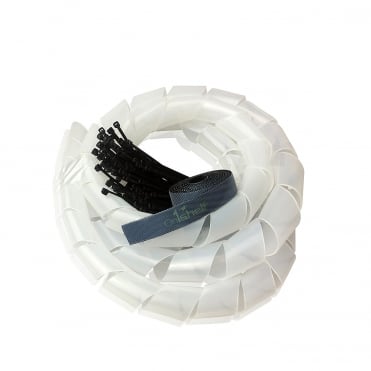
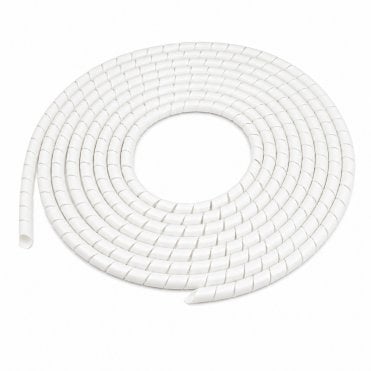
Spiral cable wrap winds around a bundle while allowing individual cables to enter or leave at suitable points. This makes it useful for desks, PCs, televisions, gaming equipment and other installations where cables travel in different directions.
Select the wrap diameter for the complete cable bundle and check the recommended bundle range for the exact product. Do not force an undersized wrap around more cables than it is intended to hold.
Surface Cable Trunking and Wall Covers
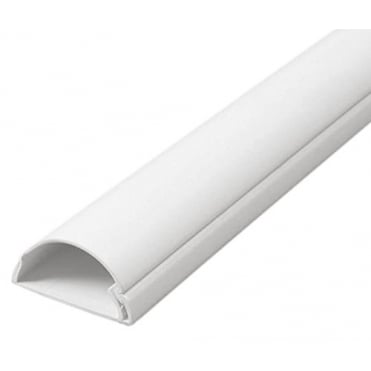
Decorative surface trunking provides a defined route for suitable cables around walls, desks or entertainment equipment. Selected profiles can help conceal television, speaker, network or accessory cables where running them behind the wall is not appropriate.
Measure the complete external width and height of plugs and connectors as well as the cable bundle. A trunking profile may hold the cable itself but still be too small for a moulded plug or connector to pass through.
Decorative cable covers are not automatically suitable for fixed electrical wiring, outdoor installation, high temperatures or fire-sensitive locations. Check the exact product specification and obtain competent electrical advice where the work forms part of a fixed installation.
Cable Tidy Kits
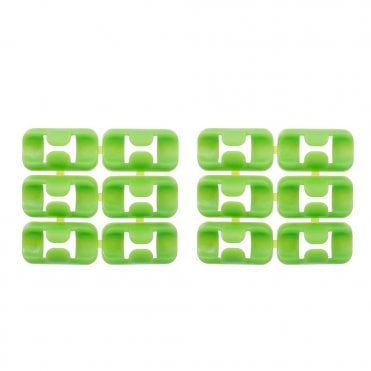
Cable tidy kits combine selected wraps, holders or other organising accessories for a desk or entertainment setup. Check the stated pack contents and dimensions rather than assuming that every item shown in an application photograph is supplied.
How to Choose the Right Cable Management Solution
- Location: establish whether the cables run across a desk, beneath it, down a wall, behind a television or between equipment.
- Purpose: decide whether the priority is grouping, routing, holding or concealing compatible cables.
- Cable quantity: count the cables currently in use and allow sensible capacity for expected additions.
- Cable dimensions: measure the thickest cable, the complete bundle and any plugs or connectors that must pass through the product.
- Movement: allow enough cable travel for adjustable desks, monitor arms and movable equipment.
- Access: consider how often cables must be added, removed or replaced.
- Fixing method: compare adhesive, screw-fixed, wrap-around and free-standing solutions.
- Material: check the documented plastic, polyethylene, neoprene, textile or composite construction.
- Length: measure the actual route, including vertical drops, corners and movement allowance.
- Appearance: choose a colour and profile appropriate to the desk, wall or equipment.
Measuring Cables and Cable Routes
- Disconnect equipment where necessary and safe to do so before rearranging cables.
- Identify the starting and finishing point of every cable.
- Measure the complete route rather than only the straight-line distance between devices.
- Include vertical desk drops, corners and the movement of adjustable equipment.
- Measure the complete cable bundle at its widest practical point.
- Check the dimensions of plugs, adaptors and connectors.
- Choose a product with enough usable capacity without tightly compressing the cables.
- Confirm whether the selected length is supplied continuously or as separate pieces.
Desk and Home-Office Cable Management
A desk setup may contain monitor, computer, charging, keyboard, network, speaker and extension-lead cables. Begin by separating cables that remain permanently connected from those that need frequent access.
Small holders can keep charging leads accessible. Sleeves or spiral wrap can group related cables, while cable tidy kits can help control the overall arrangement. Do not create sharp bends or place connectors under continuous tension.
For height-adjustable desks, test the complete movement before securing the final route. Cables must have enough controlled travel for the highest and lowest desk positions without stretching, catching or hanging into the working area.
TV and Entertainment Cable Management
Televisions and entertainment units often combine power, aerial, HDMI, speaker, network and accessory cables. Grouping compatible cables can improve access and make it easier to identify connections when equipment is replaced.
Surface cable covers may provide a neater wall route, while flexible sleeves or spiral wrap can organise cables behind the unit. Check connector sizes, ventilation requirements and access to plugs before selecting the product.
Do not conceal damaged cables or use a cable organiser as a substitute for repair. A damaged power lead should be removed from use and assessed or replaced appropriately.
Floor-Level Cable Routes
Where a cable must cross a walking route, first consider whether the equipment or cable can be repositioned. If a floor-level route cannot be avoided, use a suitable floor cable protector or cable cover selected for the cable dimensions, floor, traffic and environment.
A cable cover should not be described as eliminating trip risk. It must lie correctly, remain stable and be inspected for movement, curling, damage and unsuitable placement.
Installation and Electrical Safety
Plan the route before applying adhesive products or cutting sleeves and trunking. Clean and prepare the mounting surface according to the product instructions, and check the position before making a permanent fixing.
Cable organisers do not change the electrical rating of an extension lead, socket or connected appliance. Do not overload extension leads or connect one extension lead to another. Keep plugs, power supplies and equipment ventilation openings accessible.
Arrange cables so they are not crushed beneath furniture, trapped in moving mechanisms or stretched around sharp edges. Stop using electrical equipment if a cable, plug or adaptor shows visible damage, overheating or burning.
Cleaning and Maintenance
- Inspect adhesive holders and trunking for loose fixings.
- Check sleeves and wraps for cuts, distortion or excessive compression.
- Remove dust from around plugs, power supplies and ventilation openings.
- Check cable bundles after moving desks, televisions or other equipment.
- Replace damaged holders, sleeves, wraps or organisers.
- Review the arrangement whenever new equipment is added.
Related Cable Products
- Shop cable ties for permanent, releasable, heavy-duty and specialist bundling applications.
- Browse cable clips for nail-in, self-adhesive and push-in cable-fixing options.
- Choose hook-and-loop straps and fasteners for reusable cable bundling.
- Explore VELCRO® Brand products for genuine reusable straps and fastening products.
- View cable conduit and accessories for compatible conduit, connectors, glands and fixing components.
- Use floor cable protectors and cable covers for suitable floor-level routes.
Frequently Asked Questions
What is the best way to organise cables beneath a desk?
Map the cable route first, separate cables requiring frequent access and use suitable holders, sleeves, spiral wrap or a cable tidy kit. Allow enough movement for adjustable desks and monitor arms.
What is the difference between a cable sleeve and spiral wrap?
A sleeve surrounds a bundle with a continuous covering, while spiral wrap winds around the bundle and can allow individual cables to branch out at different points. Exact features depend on the selected product.
How do I choose the correct cable sleeve size?
Measure the complete cable bundle and compare it with the documented usable capacity. Do not choose solely by the external width of the sleeve.
Can cable management products be cut to length?
Some sleeves, spiral wraps and trunking can be cut, but this must be confirmed for the selected product. Cutting may affect finished edges, closures or end fittings.
Will adhesive cable holders stick to every surface?
No. Adhesion depends on the adhesive, surface material, finish, cleanliness, preparation and temperature. Check the product instructions before installation.
Can power and data cables be placed in the same sleeve?
This depends on the cable types, equipment requirements, available capacity and installation. Where signal interference, heat or fixed electrical work may be relevant, follow the equipment instructions or obtain competent advice.
Does cable management prevent trips?
It can help control trailing cables, but it does not guarantee a hazard-free route. Avoid placing cables across walking areas wherever practical and inspect the arrangement regularly.
Can I hide an extension lead inside a cable organiser?
Only use a product intended for that purpose and remain within the extension lead’s electrical rating. Do not obstruct required ventilation, overload sockets or connect extension leads together.